Data Wiring Installation
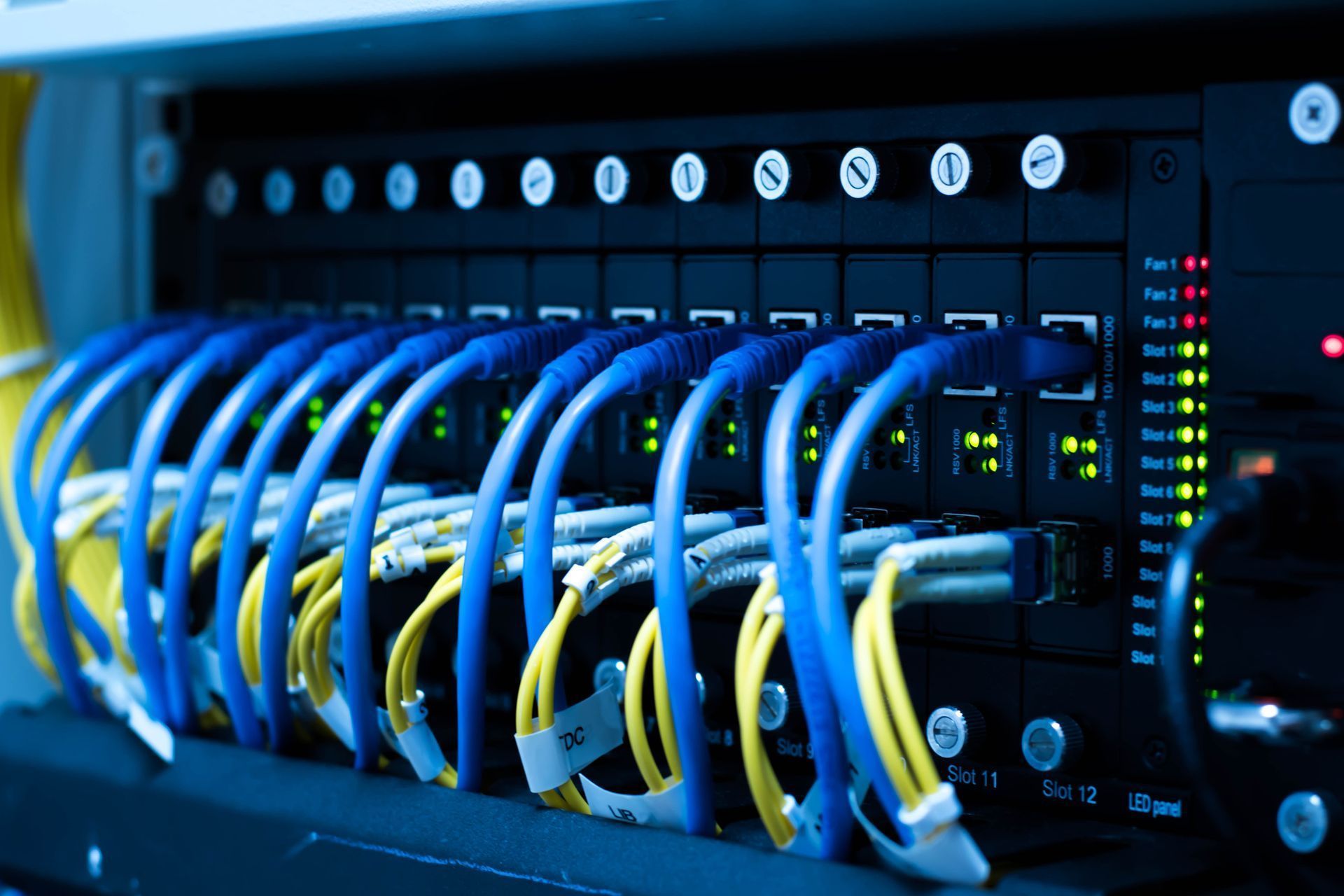
Data Wiring Installation in Rochester, MN
Wireless is convenient, and it's still the weakest link in most homes and small offices. A video call that freezes, a desktop that crawls while the phone next to it is fine, a camera that drops off overnight — those are usually congestion and distance problems, not internet speed problems, and no amount of paying for a faster plan fixes them.
A wired run gives the devices that matter a connection that doesn't compete with anything else, and it makes the wireless better by giving access points a proper backbone. If walls are already open for a remodel or an addition, that's the cheapest cable you'll ever run — a job measured in hours now and in drywall repair later.
Signs Your Network Needs Wiring
- Dead zones in rooms the router can't reach
- Video calls that drop or freeze in certain parts of the house or office
- A desk, office, or basement that's noticeably slower than everywhere else
- Mesh nodes or range extenders that didn't fix the problem
- The router sitting wherever the internet line happened to enter the building
- Cable run along baseboards, through doorways, or taped to the floor
- Only phone jacks or older Cat5 in the walls
- Security cameras or access points you'd like to add
- A remodel, addition, or finished basement in the plans
Data Wiring We Handle
Cat6 & Cat5e Network Cabling
Runs to offices, desks, televisions, access points, and equipment that shouldn't be sharing airtime with everything else in the building.
Structured Cabling & Network Closets
Cable terminated, labeled, and organized in one place instead of a tangle behind a desk. It costs the same to do neatly and saves hours the first time something needs tracing.
Wireless Access Point Wiring
Cable pulled to the spots where coverage is actually needed, so access points can do their job rather than repeating a weak signal.
Voice & Data Jacks
Wall jacks placed where the equipment lives, terminated properly rather than crimped on and hoped for.
Fiber Optic Installations
For buildings and runs where copper isn't the right answer, including longer distances between structures.
In-Home Low-Voltage Runs
Speaker wire for home theater and whole-house audio, plus cable pulled to television and equipment locations so nothing is visible on the wall.
What You Get With Every Repair
- Same-day services & repairs available
- Estimates within 1–3 business days
- Class A Electrical Contractor, License EA 006322
- Certified, licensed & fully insured electricians
- Quality products on every repair
- Locally & family-owned in Rochester since 1998
- Satisfaction guaranteed
Fixing Dead Zones the Right Way
The usual response to a weak signal is another wireless device — an extender, a mesh node, a newer router. Sometimes that works. Often it doesn't, because a repeater rebroadcasting a weak signal is still working with a weak signal, and a second router in the same congested space adds to the problem it's meant to solve.
The reliable fix is wire. An access point with a cable running back to the network delivers full performance wherever you put it, which means coverage in the finished basement, the detached garage, the back office, or the second floor that never worked. For most buildings it's one or two cable runs rather than a project.
Frequently Asked Questions
Do I need wired connections if my Wi-Fi is fine?
If everything works everywhere, no. Wiring earns its keep where wireless struggles — distance, thick walls, finished basements, detached buildings — and for equipment that shouldn't drop, like a work desktop, a camera system, or a television that streams constantly.
What's the difference between Cat5e and Cat6?
Both handle typical home and small office use. Cat6 has more headroom for higher speeds over longer runs, which matters most for cable you're putting inside walls and not touching again for fifteen years. Given that the cable itself is a small part of the job, we usually recommend the one you won't need to revisit.
Can you run cable without tearing up the walls?
Usually. With basement, attic, or crawlspace access, most runs can be fished with minimal openings. Some paths do require patching, and we'll tell you which yours is before starting rather than partway through.
Can you upgrade an existing system?
Yes. Replacing old runs, adding to what's there, re-terminating jacks, and organizing an existing closet are all common. Older phone wiring in the walls is generally not worth repurposing.
How long does a data wiring installation take?
A couple of runs in an accessible building is often a half day. Whole-house structured cabling, longer commercial runs, or fiber between buildings take longer. You'll get a scope and a timeframe with the estimate.
Request a Free Estimate
Tell us the building, where the internet comes in, and where you need connections, and we'll tell you what the job involves. Call, text, or fill out the form to request a free estimate. We're open Monday through Friday, 7:30 a.m. to 5:00 p.m., with after-hours appointments available.